Manage TikTok automation from your AI client with MCP
Your AI plans. Your phones execute.
 By YanmeFounder, Ghost Farm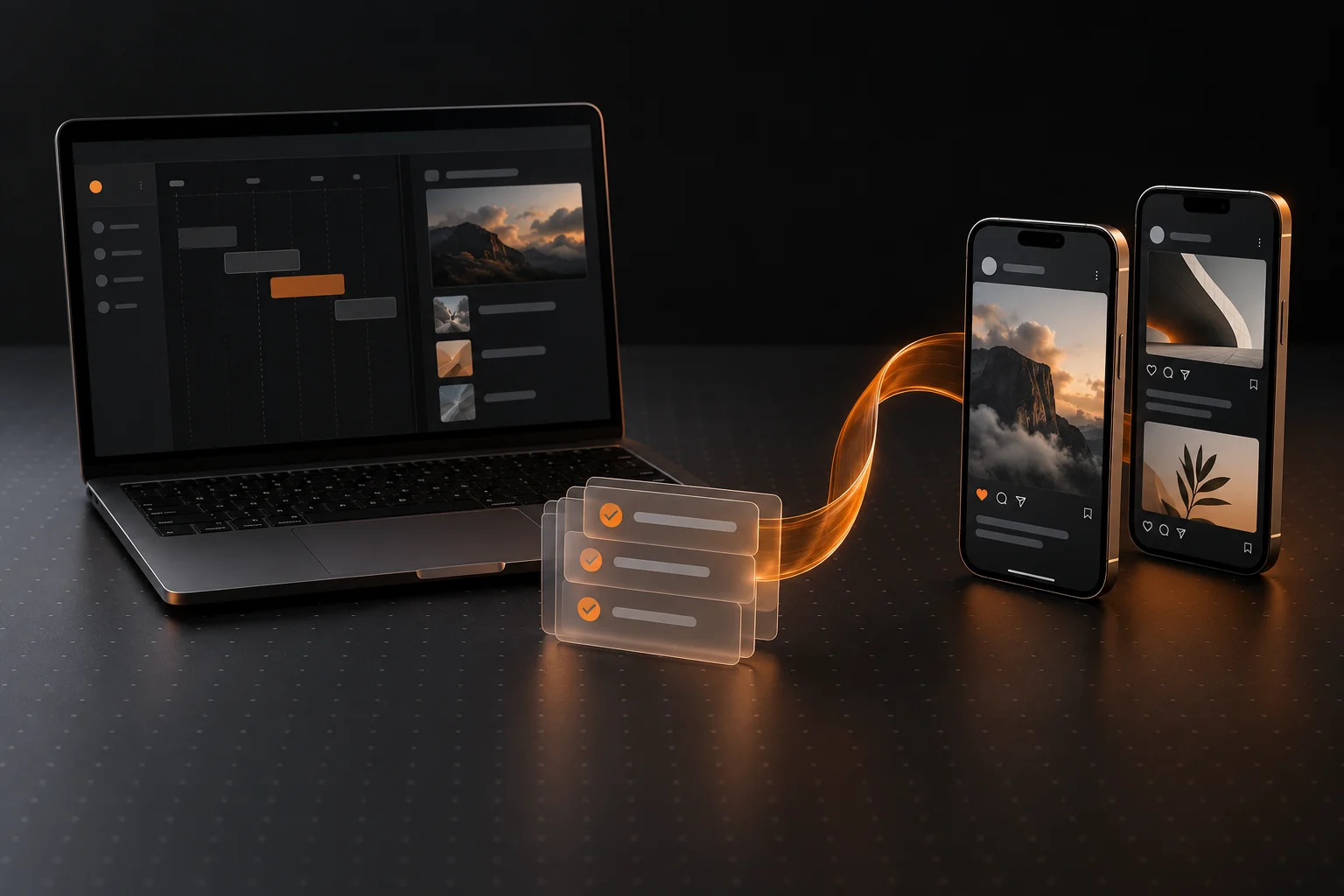
If your content planning already happens in an AI client, copying every decision into a second interface adds work. Ghost Farm MCP connects that client to your account so it can help organize the same phones, routines and queues you manage on the website.
Connect your account
Open Account & Settings → API & MCP in Ghost Farm. The MCP section includes connection details and a Copy for your AI button. Paste that configuration into your own trusted AI client and follow its setup instructions.
The configuration includes a private API key. Treat it like account access: do not put it in a public prompt, screenshot or shared repository. An active subscription is required.
After connecting, ask the AI to read the operating guide and list your phones. That is a useful first check because it verifies the connection without running anything on a phone.
Start by reusing the routines you already have
Tell the AI which outcome you want, which phones it may use and which existing routine to select. Be explicit about whether you want a proposal or an action.
List my phones and existing TikTok posting routines. Find the routine I already use for slideshows. Propose a week of posting windows for ALPHA and BRAVO, and show me the phone, account and caption for each queued post. Ask before changing schedules or running anything.
This keeps the first task small and reviewable. Creating a new routine should be an intentional request, not the default response to a scheduling job.
Use MCP for coordination
Useful jobs include checking which devices are registered, reviewing available routines, organizing media and captions, preparing schedules and reading run outcomes. The AI can work with your account through the connection instead of relying on screenshots of the website.
MCP is the connection between your AI client and Ghost Farm. It is not TikTok’s Content Posting API. Your existing Ghost Farm phone workflows still do the work on your devices.
Keep the same operational checks
A successful request to your account does not prove that a phone completed a post. Check that the devices and the scheduling setup are ready before starting a job, then read the run result and verify the post itself.
When a result is uncertain, inspect it before retrying. That helps avoid turning a connectivity problem into two copies of the same post.
Make the repeatable part automatic.
Explore Ghost Farm for your own physical iPhones.
Explore Ghost Farm ↗